ARTICLE · TODD KELSEY
Resilient and Deliverable Email
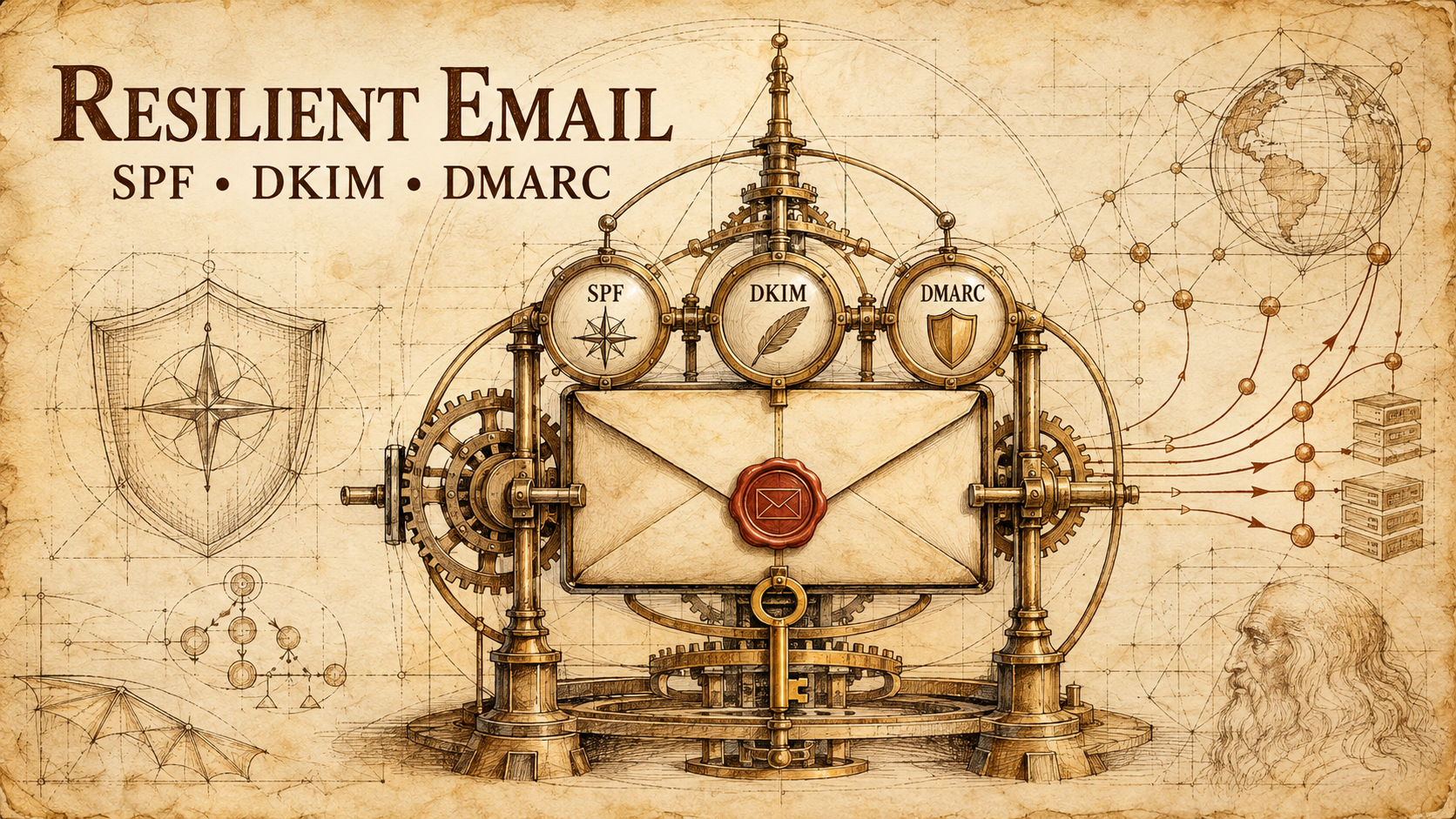
SPF, DKIM, DMARC—and why you should care
Email feels finished. You buy a domain, connect Google Workspace or Microsoft 365, and start sending.
Then an important message lands in spam. A recipient server rejects it. Or someone impersonates your domain and sends fraudulent email that appears to come from you.
I recently worked through this problem for Tsunami Labs using ChatGPT Work alongside Google Workspace and Marcaria DNS. The experience reinforced two things: email authentication is worth doing, and it remains far more difficult than it should be.
The work involved three obscure acronyms: SPF, DKIM, and DMARC. Together, they help receiving mail systems determine whether a message claiming to come from your domain is genuine.
What the three records do
Think of them as three layers of identity checking.
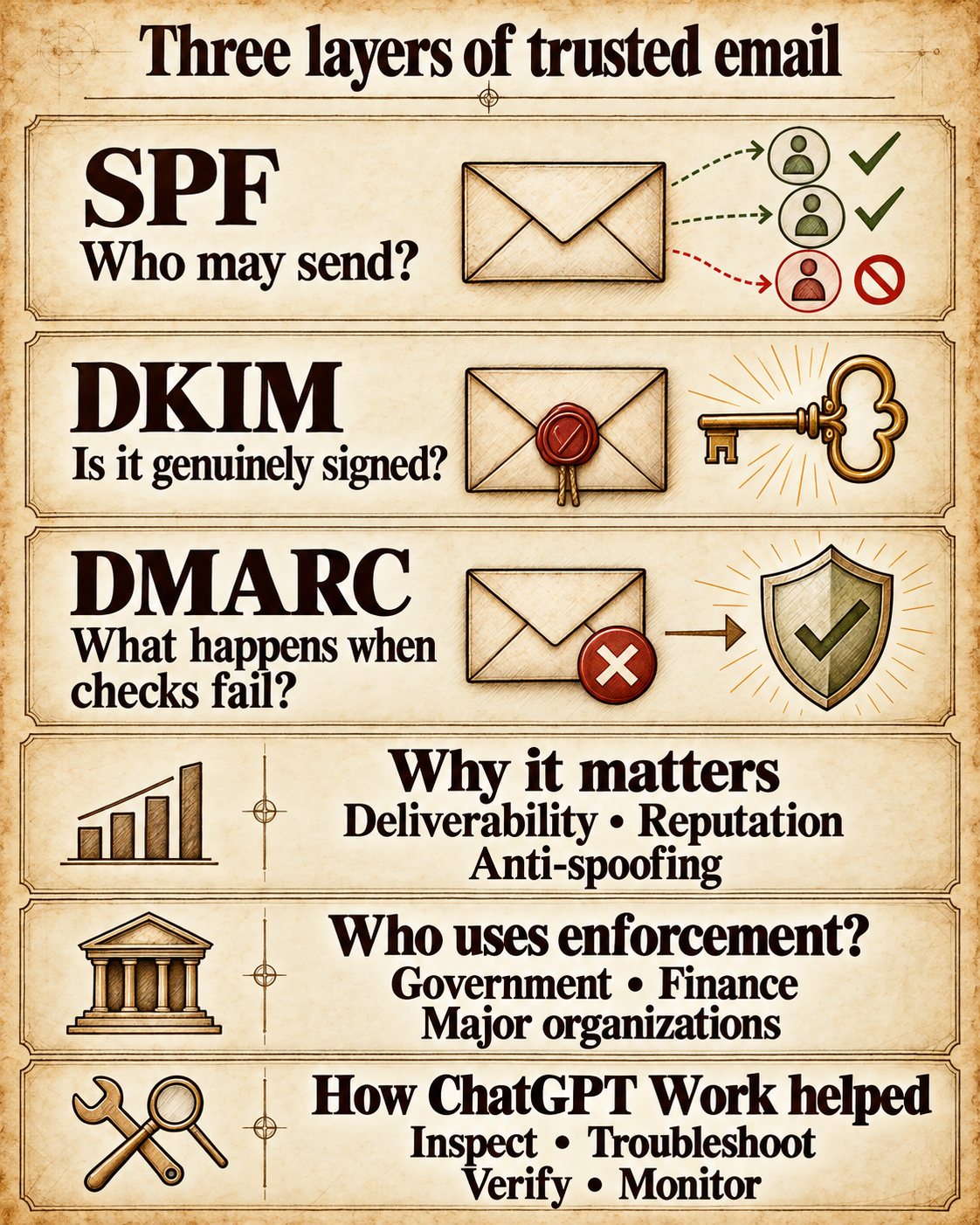
SPF is the authorized sender list. It tells receiving systems which mail servers are allowed to send email for your domain. In my case, the SPF record authorized Google Workspace.
DKIM is the digital signature. Google signs outgoing messages with a private key. A public key published in DNS allows the recipient to verify that signature and confirm that the message was not altered in transit.
DMARC is the instruction manual. It tells the receiving system what to do when a message claims to come from your domain but cannot pass an aligned SPF or DKIM check.
What DMARC enforcement means
p=noneobserves failures without requesting that messages be blocked.p=quarantinetreats failing messages as suspicious, usually sending them to spam.p=rejecttells receiving systems to reject messages when neither aligned SPF nor aligned DKIM can authenticate them.
These controls authenticate identity. They do not encrypt the contents of an email or provide server redundancy. Their value is deliverability, domain reputation, and resistance to impersonation.
Why setup is tricky
The email provider and DNS provider are usually separate companies. Google can generate a DKIM key, but it cannot automatically place that key inside every registrar’s DNS system. That creates a fragile handoff.
In our case, the required DKIM hostname was google._domainkey. At one stage, it appeared as google_domainkey. One missing period was enough to make authentication fail.
The DKIM value also contained a subtle formatting problem. It began with v=DKIM1;+k=rsa;+p=. The correct syntax was v=DKIM1;k=rsa;p=. The extra plus signs separating the fields were invalid. Other plus signs inside the long encoded public key were legitimate and had to remain.
This is exactly the sort of configuration where almost right is completely wrong.
AI can make tiny mistakes too
An AI model or application may occasionally introduce an extra space, punctuation mark, or character into a technical setting. In ordinary writing, that might not matter. In code, DNS, command lines, and configuration files, a single incorrect character can stop the entire process.
The encouraging part is that an AI system can often help troubleshoot the same problem. It can compare screenshots, inspect syntax, reconsider an earlier answer, and work through the failure one detail at a time.
As models and applications improve, more of these fine-grained details should be handled automatically. The software may eventually recognize the DNS provider, generate the correct record, validate the pasted value, watch propagation, and confirm that signing is active.
For now, the solution is much the same before and after AI: persistence.
If the process becomes stressful, step away. Come back with fresh eyes. Recheck the exact field, character, hostname, and status message. Most technical problems eventually yield to patient observation and another attempt.
This experience also renewed my respect for coders, DevOps professionals, system administrators, hosting teams, and everyone else who works in environments where one tiny detail can affect an entire system. Hats off to them.
DNS changes are not immediate
After correcting the record, Google still reported that email authentication could not be verified. That did not mean the correction had failed.
DNS records are cached according to their time to live, or TTL. The malformed record had previously been published with a 3,600-second TTL. Changing the new record to 1,800 seconds did not erase copies of the old record already stored elsewhere.
The correct next step was not repeated editing. It was to stop changing the record, allow propagation, and test again later. Google eventually recognized the corrected record and activated DKIM signing.
That distinction matters: a DKIM record can be published in DNS, Google must also be actively signing outgoing messages, and a delivered message must show that the signature passes and aligns with the visible From address. All three should be verified.
DMARC starts with observation
Once SPF and DKIM were working, we published v=DMARC1; p=none. This establishes DMARC without immediately rejecting mail.
Starting with observation is important when a domain has multiple senders. A website form, newsletter platform, CRM, billing service, or automation may send mail using the domain. Moving directly to p=reject before identifying those systems can block legitimate messages.
For a small domain using only Google Workspace, the path is simpler:
- Confirm Google Workspace is the only authorized sender.
- Test real outgoing messages.
- Verify aligned SPF or DKIM.
- Check that no outside application sends independently as the domain.
- Complete two consecutive clean health checks.
- Move DMARC from
p=nonetop=reject. - Test legitimate mail again immediately.
Publishing p=reject means that a receiving system should reject a message claiming to come from @tsunami.ai when neither aligned SPF nor aligned DKIM can authenticate it. It does not reject ordinary incoming email sent to Tsunami Labs.
Where ChatGPT Work helped
ChatGPT Work did not eliminate the need for DNS or Google Admin. It made the process more observable and less error-prone.
- Interpret screenshots from the DNS interface
- Detect the missing period in the DKIM hostname
- Separate invalid formatting from legitimate characters inside the key
- Distinguish DNS propagation from a genuinely incorrect record
- Check Google Workspace activation
- Verify SPF, DKIM, and DMARC separately
- Turn the one-time repair into a recurring health check
The continuing health check verifies the public records, active DKIM signing, real-message alignment, and obvious reputation problems. It also tracks whether the domain is ready to move from monitoring to enforcement.
Each check sends a plain-language report by email, including the current status and the smallest required action. Infrastructure becomes more resilient when it is monitored, not merely configured once and forgotten.
Why small organizations should care
Large companies have security teams and specialized email tools. Small organizations often rely on one person, one registrar, and one email provider. That makes proper authentication more important, not less.
A grant inquiry, job application, partnership proposal, invoice, or contract email may be unusually valuable. One important message going to spam can cost more than the entire setup effort. Domain impersonation can damage trust before the legitimate owner even knows it happened.
SPF, DKIM, and DMARC are not glamorous. Once working, they become nearly invisible. That is the point.
Email should quietly arrive, prove where it came from, and make impersonation difficult. ChatGPT Work can help translate the fragmented setup process into a guided, testable, and continuously monitored workflow.
The settings may be tricky. The reason for doing it is simple: important email should reach its destination, and recipients should be able to trust who sent it.